Good evening, everyone. I’d like to ask: when I remove pops from a song using Audacity, the volume decreases. Does anyone know how to prevent this?
I don’t know whether it’s a serious solution or just a bit of a bodge, but I do the following: I zoom in on the waveform as much as possible, select the shortest possible fractions of a second where the pop appears (I assume I understand which one you mean: the “crack” that can intrude into the audio), and turn the volume down to zero. This creates a silence so brief that it can’t be heard.
1 Like
Good morning, I found it in a video: you zoom in and use the pencil [PENCIL] to align the waveform. Thanks for the reply.
Nice: I ended up learning something new when I went to answer one of your questions. Thanks! 
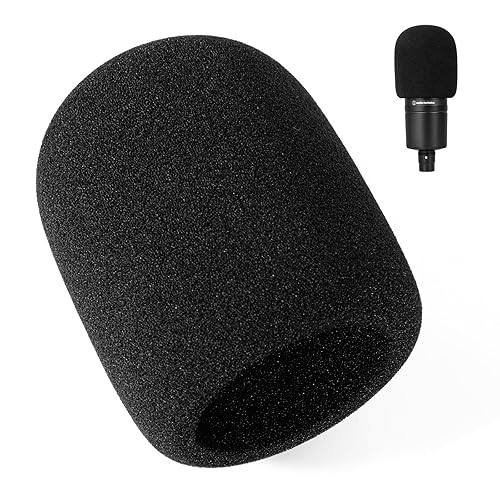
By “pop”, do we mean the way the microphone picks up the “p” and other similar consonants? There are special filters that attach to the front of the microphone to reduce the force of the air (and the saliva ). Search the websites of music shops for “pop filter”.
It’s the little sponge-like thing we see on the channels, mainly in outdoor shots, used to reduce the force of the wind.
The north wind blows, the south wind blows, as the song says…
The pencil trick, as I understand from the description (I haven’t tried it), eliminates any transient extraneous crackle that may have been caused by anything.